

Hello! I am Mr. Mitchel Africa, MYP Science and Design Educator at Manila Xiamen International School. In light of the viral outbreak that hit our country, which is continuously spreading pandemically, the school decided to implement distance learning this February until the school officially opens again. This is to provide a platform for the students to continue their learning in spite of not having a physical classroom or going to school. In MYP Science and Design, a hybrid distance learning will be implemented, which means students will do synchronous and asynchronous learning activities. I will be doing online lessons and activities starting February 10 using EdTech tools, such as Edmodo, Seesaw, Flipgrid, Quizlet, OneNote and Zoom for my Science classes. For my Design classes, students will be using code.org to learn web development, app making, and basic coding courses. These learning tools are currently being used in my blended and flipped classroom.
SAMPLE INSTRUCTIONAL VIDEOS
Get to know the tools!

EDMODO
Edmodo is a Learning Management System (LMS) that helps me connect and communicate with students and parents. Using the Edmodo app or website, I can share content, texts, videos, homework, and assignments with my students.
How will it be used in Mitchellium’s Online Classroom: Students need to check Edmodo for their weekly tasks.
How to get started?
Students can use Edmodo both in its desktop version and the App, available for Android and iOs.

Click here to know how to sign-up as a student.
Click here to know how to sign-up as a parent.

SEESAW
Seesaw is a platform to enhance student engagement. I empower students to create, reflect, share and collaborate. My students “show what they know” using photos, videos, drawings, text, PDFs, and links. It’s simple to get my students to work in one place and share it with families.
How will it be used in Mitchellium’s Online Classroom: Seesaw will be used for submitting some tasks.
How to get started?
To join my class, students will:
1. Open the Seesaw Class app or go to https://app.seesaw.me on a Chrome or Firefox browser.
2. Tap ‘I’m a Student’.
3. Insert the class code in the “text code field” and click “go”. (SEE CLASS CODES BELOW)
4. Tap ‘Create Email Account’ or ‘Use Google Account’.
5. Create an account and connect to my class.
Students only need to use the Student Code to join my class once. After they enter the Student Code the first time, they will stay connected to my class so they just need to sign in to Seesaw with their email address/Google Account to access my class.

Click here to know how to sign up as a family member.


FLIPGRID
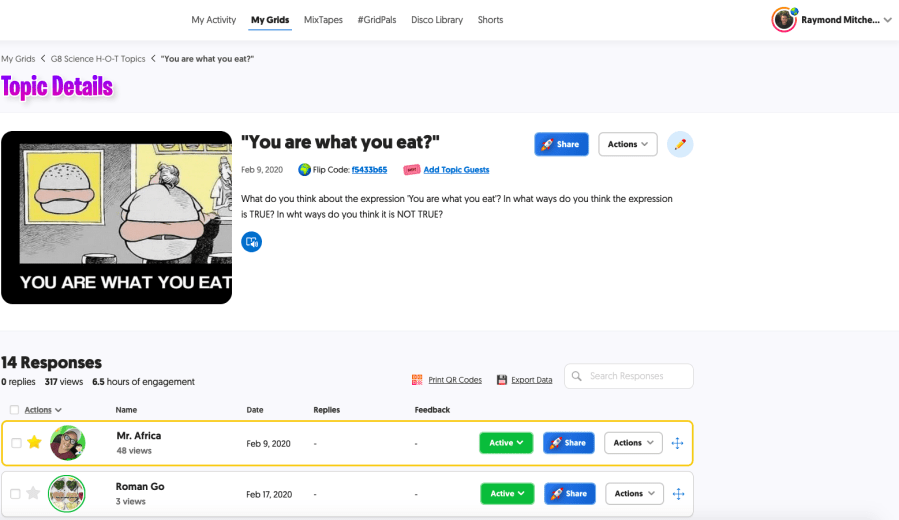
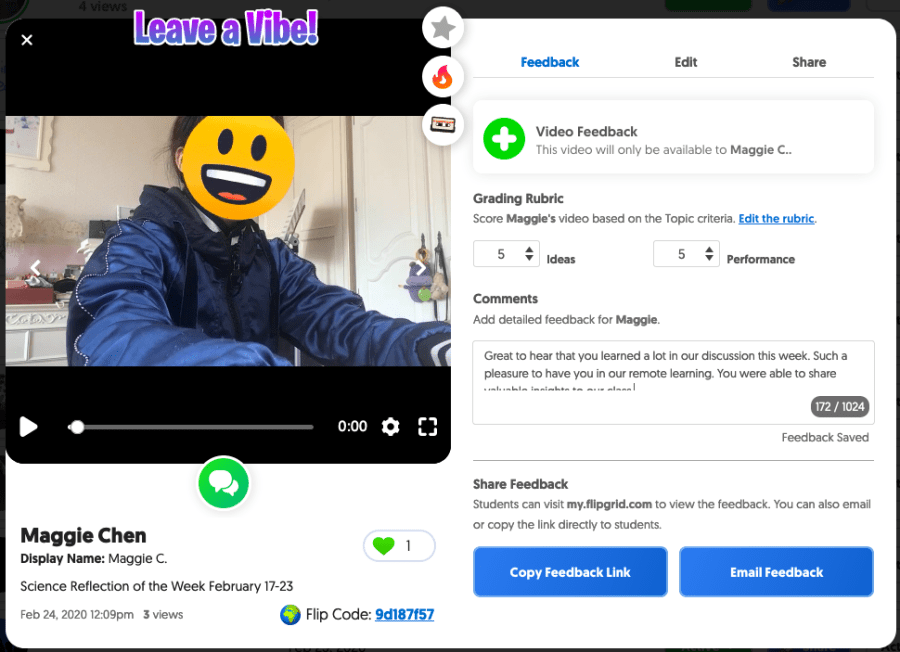
Flipgrid is a social learning platform that allows me to ask a question, then the students respond in a video. Students are then able to respond to one another, creating a “web” of discussion.
How will it be used in Mitchellium’s Online Classroom: Flipgrid will be used for submitting some tasks.
How to get started?
With Flipgrid, students do not create accounts. I created their Grid and then share the Flipgrid URL (e.g., flipgrid.com/FlipCode). Students are then prompted to join the Grid. Students should check “Remember Me” so they only need to do this once!

Click here to know how to do Flipgrid.

KAHOOT
Kahoot! is a game-based learning platform, used as educational technology in schools and other educational institutions. Its learning games, “Kahoots”, are multiple-choice quizzes that allow user generation and can be accessed via a web browser or the Kahoot app.


How will it be used in Mitchellium’s Online Classroom: Kahoot will be used for formative assessments after synchronous learning (lectures) and for personalized independent learning for reinforcement of lessons.

QUIZLET
Quizlet provides engaging activities to learn vocabulary words. I understand that Scientific terms are hard to spell and remember and using this learning tool will improve rote learning of the terms. Quizlet includes flashcards, learn, spell, test and game modes such as Gravity and Quizlet Live.
How to get started?
Watch this Youtube tutorial on how to join Quizlet.
Watch this Youtube tutorial on how to LEARN with Quizlet.
Watch this Youtube tutorial on how to do Quizlet Live.

Check my Quizlet Sample sets here.

OneNote
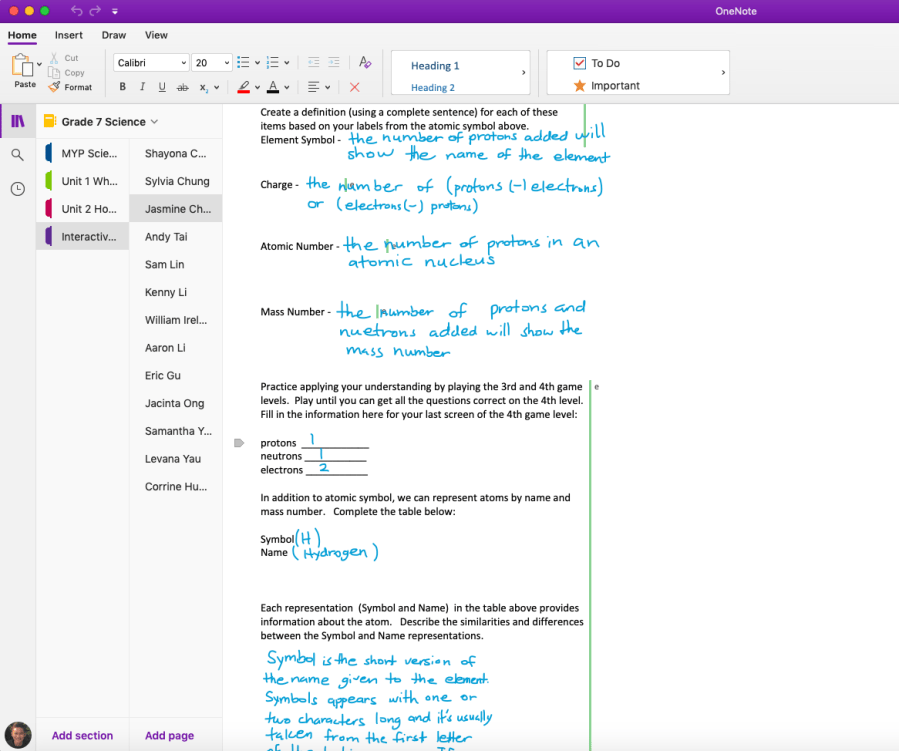
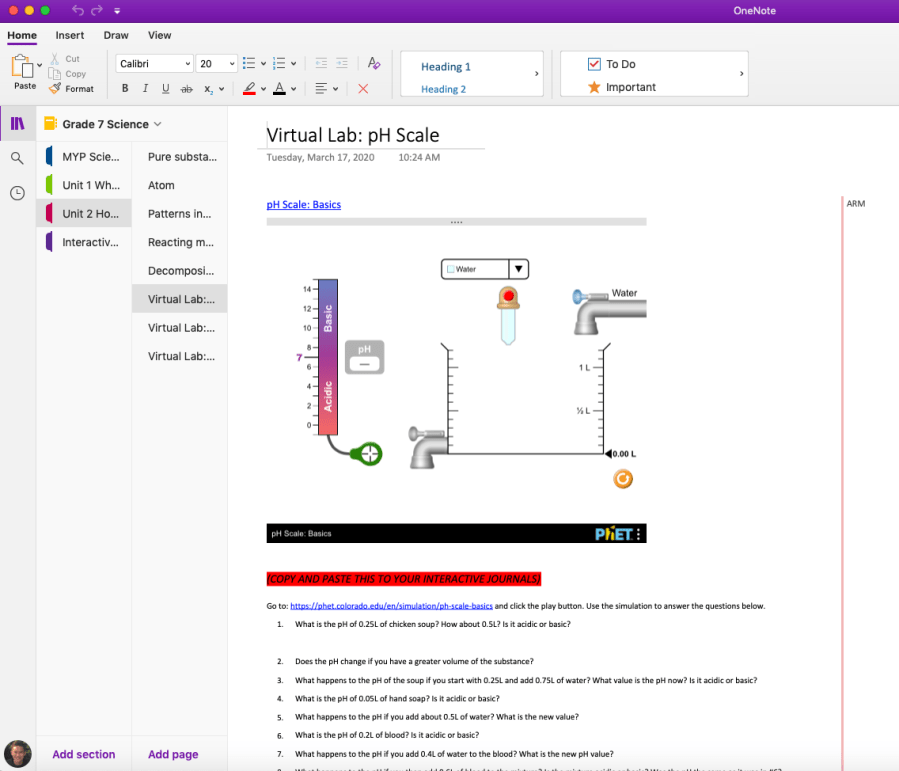
OneNote is a digital note-taking app you can use using your phone, tablet or laptop. Using this app, students can type notes or record audio, sketch or write ideas, add pictures or find notes instantly.

How will it be used in Mitchellium’s Online Classroom: OneNote will be used for the notes, lab investigations and research tasks of the students.

ZOOM
Zoom is a cloud-based platform for video and audio conferencing, mobile collaboration, and simple online meetings. I use this for scheduled video conferencing.
How will it be used in Mitchellium’s Online Classroom: Zoom will be used for video conferencing to clarify some tasks and for some questions related to the lessons.
How to get started?
Before joining a Zoom meeting on a computer or mobile device, you can download the Zoom app from the Download Center. Otherwise, you will be prompted to download and install Zoom when you click a join link.

CODE.ORG
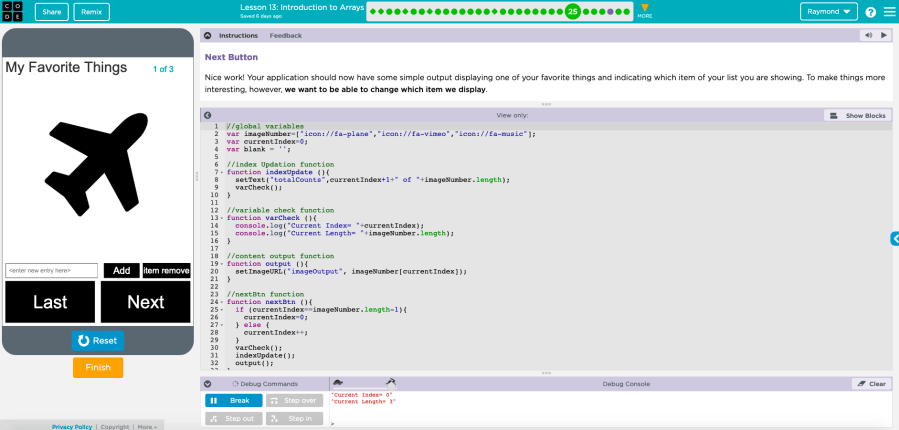
Code.org is an online platform that provides various courses from basic programming to advanced computer science. I use this to engage students to code and programming. Visit and sign up here: https://studio.code.org/home.
How will it be used in Mitchellium’s Online Classroom: Code.org will be used to do online courses related to our Design classes.


SCHEDULE OF CLASSES

CLASS CODES
Edmodo Classes Join Code
|
Grade Level |
Student Code |
Join URL |
|
Grade 7 Science |
vabe2h |
|
|
Grade 8 Science |
f2aude |
|
|
Grade 9 Science |
gwfumx |
|
|
Grade 7 Design |
n4hgxi |
|
|
Grade 8 Design |
wexq94 |
|
|
Grade 10 Design |
jrw3zf |
Seesaw Classes Join Code
*Codes will expire in 7 days. Kindly message me for the new code after it expires.
|
Grade Level |
Student Code |
|
Grade 7 Science |
QJOS DUGG |
|
Grade 8 Science |
VTKN VPNU |
|
Grade 9 Science |
GUVP BNTO |
Code.org Join Code for Courses
|
Grade Level |
Student Code |
Join URL |
|
Grade 7 Design |
RVKHTG |
|
|
Grade 8 Design |
BRQXXF |
|
|
Grade 10 Design |
CHCWVX |
Grade 7 and Grade 10 uses email logins. It means that students manage their own accounts using their own email and password. Students should sign in through the Sign-in button found at the top of the page.
For Grade 8 Design Class:
Students can sign in to their Code.org accounts by following these steps:
- Go to https://code.org/join.
- Type in their section code: BRQXXF.
- Choose their display name.
- Type in their secret words.
- Click the “Sign in” button.
Kindly message me for the secret words.
Quizlet Classes URL
|
Grade Level |
Join URL |
|
Grade 7 Science |
|
|
Grade 8 Science |
|
|
Grade 9 Science |
STAY HYDRATED.
STAY SAFE.
STAY CURIOUS.
AND HAVE FUN LEARNING.

 MITCHEL AFRICA