
When I started teaching, I was introduced to utilizing iPad in education. The school is in BYOD and students use iPads mainly for ebooks. I was totally into this, as I love using technology myself.
However, after a year, I felt that my students were bored with their iPads as we only use it to read books. Some started to give excuses that they left it at home, that there’s not enough battery or their iPads were broken. I thought that I cannot do something about those. But wait….NO! As a teacher, I can definitely do something about them.
To make the learning experience more engaging, I let my students use their iPads for presentations using Keynote and make short video clips using iMovie. They were totally motivated and felt empowered as they can showcase not only their knowledge but their skills in creating visually enticing slideshows and epic movies.
But another problem arose, there were days I forgot my VGA connector, it is not compatible with some models or it does not actually work. These make it a little stressful not only for me but for my students.
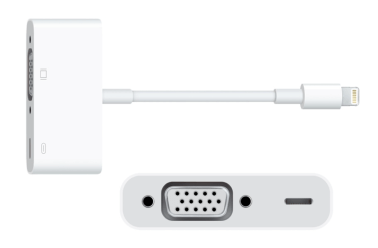
Then I thought if there is any program or app out there that can help me out. Then came REFLECTOR.

Reflector mirrors my iPhone or iPad to my laptop screen connected to a projector. With this app, I need not worry connecting my phone or iPad to the projector. I can move around the classroom while navigating my presentation or the book that I am sharing on the bigger screen. My students can share their screens too in an instant using Airplay technology. What’s good with Reflector is that it can mirror as many devices as you wish (Of course you have to consider your display, as more devices will make the display smaller).
Here are some ways I and my students are using Reflector in the classroom:
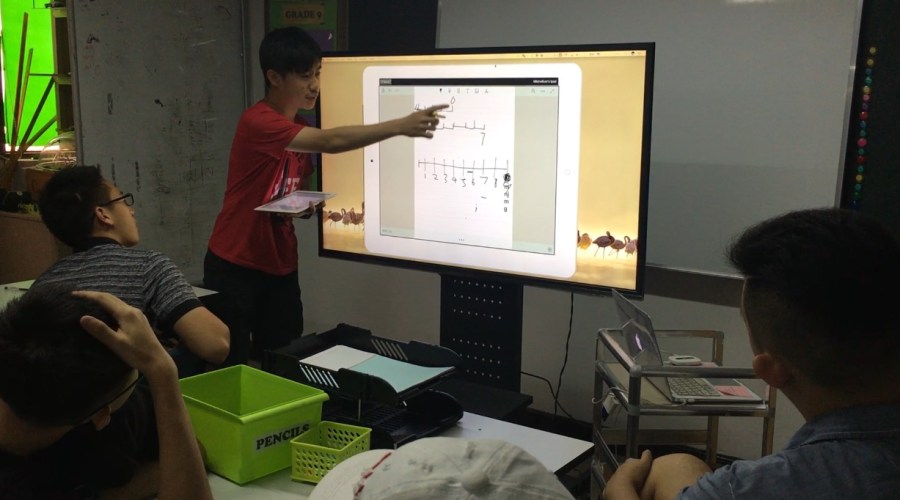
Student explaining his answer to a Conundrum presented as a Warm-up activity.
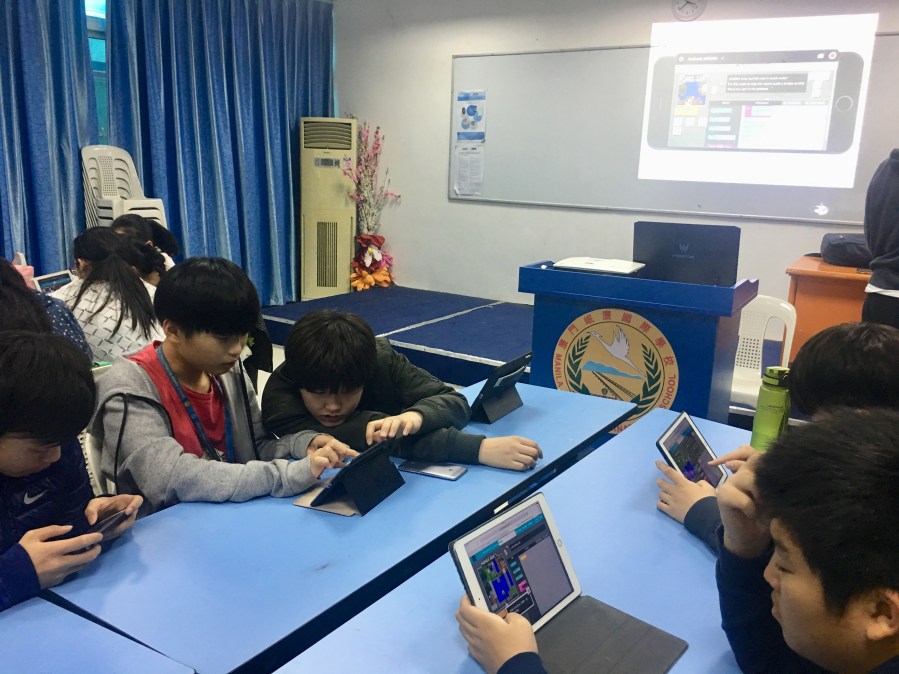
Students use Reflector app during the “Hour of Code” session in teaching younger kids basic coding.
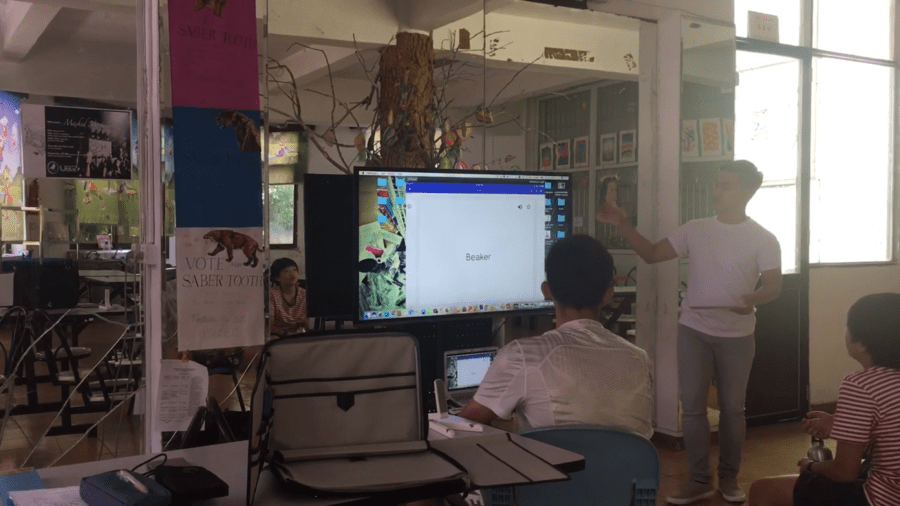
I use Reflector to monitor my students while reviewing vocabulary words using Quizlet.
Download Quizlet for iPhone.
Download Quizlet for iPad.
We use Reflector to mirror the camera when using Doink Greenscreen.


Download Doink Greenscreen for iPhone.
Download Doink Greenscreen for iPad.
During club fair, students also use Reflector app to present their clubs or organizations.

Students use Reflector to display screencast projects they create using Seesaw.

Download Seesaw for iPhone.
Download Seesaw for iPad.
In my science class, I also use Reflector app to ease discussions.

Because Squirrels LLC, developer of Reflector, love educators so much, the team came up with its new Reflector Teacher, which has advanced features than the average screen-mirroring devices or apps in the market. It works best with Reflector Director and Reflector Student.

Download Reflector Student for iPhone.
Download Reflector Student for iPad.
Download Reflector Director for iPhone.
Download Reflector Director for iPad.

After introducing Reflector to my classes, students were more engaged in their presentations and motivated to create more visuals and it excites me to see their projects on screen.
Try out Reflector Teacher app for free here.


 MITCHEL AFRICA
It’s so cool to see myself in one of the photos, that time I also experienced this new reflector app.
I love the reflector app mainly because of not needing to get different adaptors and connect different wires, not needing to walk around in the room with your gadget while tripping to wires and make you life so complicated. Looking forward for more improvement!
LikeLiked by 2 people
Hello Sean! Exactly why I love Reflector in the class. It was first meant for watching movies but later on it was used by educators for a more productive task. Also, I really appreciate your effort whenever you present in the class. You are doing a great job last year. Hope to hear more from you this year. All the best Sean! Cant wait to read your blogs too.
LikeLiked by 1 person